AI 3D Model Generation Best Practices Complete Guide: From Beginner to Expert Advancement Path

While AI 3D model generation technology has lowered the barriers to 3D creation, achieving professional-grade results still requires mastering correct methods and techniques. This guide compiles complete practical experience from beginner to expert, helping you maximize the effectiveness and efficiency of AI generation.
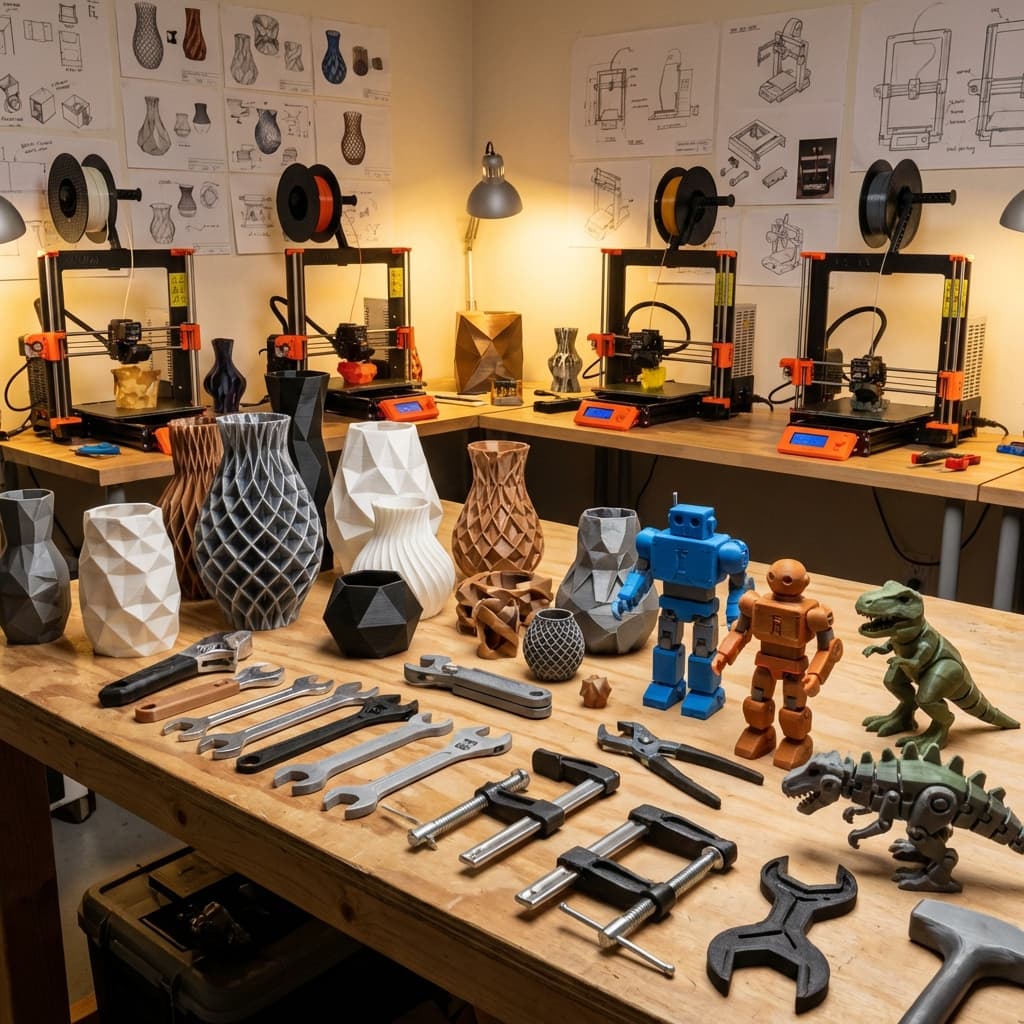
An abstract, futuristic image showing AI generating complex 3D models from text prompts, with neural lines connecting text to holographic 3D objects, set against a dark high-tech background.
Fundamental Understanding: Comprehending the Nature of AI 3D Generation
How AI Generation Works
AI 3D generation is essentially a mapping process from text or images to three-dimensional geometry. Understanding this helps us optimize inputs for better outputs. TRELLIS models used by platforms like Open3D.art are trained on massive 3D datasets, enabling them to understand object shapes, materials, proportions, and other characteristics.
Input Quality Determines Output Quality
Like the traditional "garbage in, garbage out" principle, AI generation quality largely depends on your input quality. A carefully designed prompt or high-quality reference image can often bring results exceeding expectations.
Prompt Engineering: Core Skills for AI Generation
Basic Prompt Structure
Effective prompts should follow this structure:
```
[Main Object] + [Style Description] + [Material Information] + [Size Constraints] + [Usage Description] + [Technical Requirements]
```
Example Comparison:
Keyword Weight Distribution
In prompts, words appearing earlier carry higher weight. Place the most important features first:
Correct Order:
1. Object type (most important)
2. Style characteristics (core)
3. Material properties (important)
4. Functional features (supplementary)
5. Technical requirements (constraints)
Style Consistency Keywords
To achieve stylistically unified model series, establish standard style keyword libraries:
Modern Minimalist: modern, minimalist, minimal, geometric, clean lines
Industrial Style: industrial, metal, raw, rough, mechanical feel
Nordic Style: Nordic, natural, cozy, wooden, simple
Sci-Fi Style: sci-fi, futuristic, high-tech, glowing, metallic texture
Image Input Optimization Strategies
Photography Best Practices
Lighting Conditions:
Background Processing:
Shooting Angles:
Image Preprocessing Tips
Use simple image editing tools for preprocessing:
1. Background Removal: Use tools like remove.bg
2. Brightness Adjustment: Ensure object clarity
3. Contrast Enhancement: Highlight object contours
4. Size Optimization: Recommend 1024x1024 pixels
Quality Control and Optimization Workflow
Necessary Post-Generation Checks
Conduct systematic checks after each generation:
Geometric Integrity:
Material Expression:
Usage Compatibility:
Iterative Optimization Strategy
Don't expect perfection in one generation; establish iterative optimization workflow:
1. Rapidly Generate Multiple Versions: Generate 3-5 different versions at once
2. Select Best Foundation: Choose the version best meeting requirements
3. Targeted Improvements: Adjust prompts based on problems
4. Detail Optimization: Use professional software for final adjustments
Specialized Techniques for Different Application Scenarios
Game Development Optimization
Polygon Count Control:
UV Mapping Optimization:
LOD Preparation:
3D Printing Specialization
Structural Strength:
Support Considerations:
Print Orientation Optimization:
Architectural Visualization Requirements
Size Accuracy:
Realism Requirements:
Scene Adaptation:
Workflow Best Practices
Project Management Strategy
Asset Classification Management:
Prompt Library Development:
Team Collaboration Standards
Standardized Processes:
1. Requirements analysis and asset inventory
2. Style guide formulation
3. Batch generation and initial screening
4. Quality inspection and optimization
5. Final integration and delivery
Quality Standards:
Advanced Techniques and Expert-Level Applications
Batch Generation Optimization
Template Systems:
Create reusable prompt templates:
```
[Project Name] style [Object Type], [Material Description], [Size Specifications], suitable for [Usage Scenario]
```
Variant Generation:
Style Transfer Techniques
Style Migration:
Mixed Styles:
Technical Boundary Exploration
Complex Scene Generation:
Innovative Applications:
Common Problems and Solutions
Generation Quality Issues
Problem: Insufficient model detail
Solutions:
Problem: Style doesn't meet expectations
Solutions:
Problem: Inaccurate proportions
Solutions:
Technical Compatibility Issues
File Format Conversion:
Software Integration:
Efficiency Enhancement Strategies
Automation Tools
Batch Processing Scripts:
Template Systems:
Learning and Improvement
Continuous Learning:
Experimental Spirit:
Future Development Preparation
Technology Trend Tracking
AI 3D generation technology develops rapidly; maintain attention to these trends:
Skill Development Planning
Short-term Goals:
Long-term Planning:
Practical Action Guidelines
Immediately begin improving your AI 3D generation practices:
1. Assess Current Status: Analyze current generation quality and efficiency
2. Identify Improvement Priorities: Choose most needed optimization areas
3. Develop Learning Plan: Systematically...